
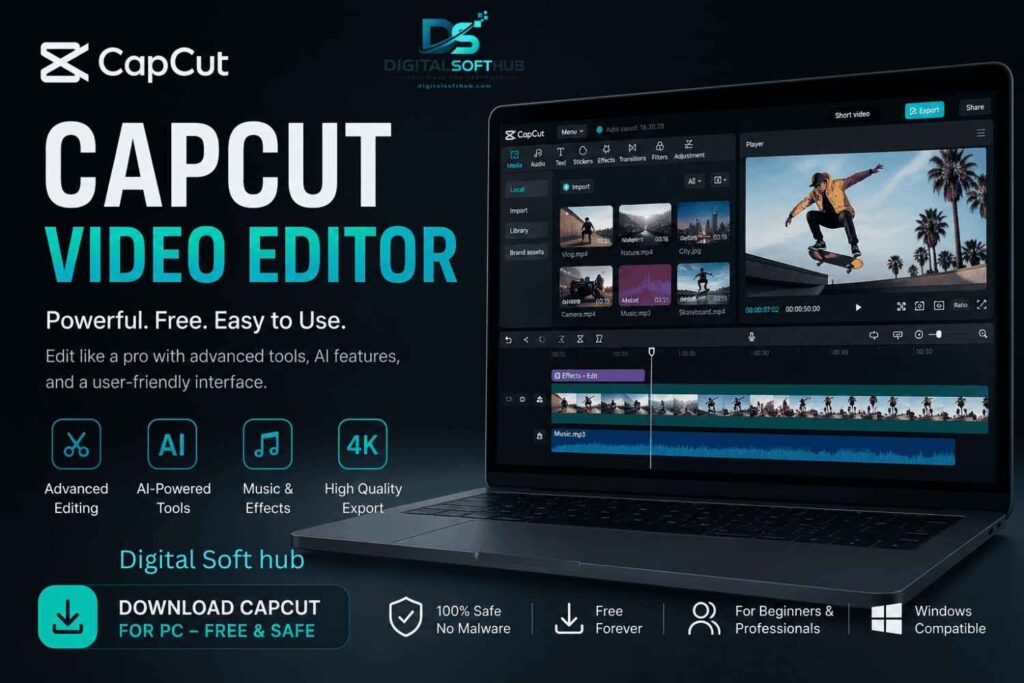
Editing video contents is one of the fastest growing digital skills that exist in today’s world of digitalization. If you are into YouTube content creation, a social media influencer, or just learning how to edit videos, having the right editing software is key. One such tool that stands out due to its user-friendly features is the Capcut Video Editor, which is well-renowned for its simplicity and ease of use.
Due to the increasing number of people requiring simple editing software, Capcut Video Editor is an extremely popular video-editing platform for both mobiles and computers. Users can use Capcut Video Editor to create their video content easily and without any complicated steps. The following article provides extensive details on the features, installation process, system requirements, and tips to be safe while using Capcut Video Editor.
What is Capcut Video Editor?
Capcut Video Editor is a video editing tool that is provided by default as a way of enabling one to easily make videos that are of high quality. It was initially made for mobile phones but it is now possible for PC users to enjoy it too because of its efficiency.
The Capcut video editor comes with numerous editing capabilities such as trimming, editing cuts, adding effects, transitions, filters, texts, and even audio. It has been greatly used by those who post their work on social media platforms and they wish to create quality videos fast.
Unlike other editing softwares, This one makes everything easy but not in a way that you sacrifice its advanced functions.
Key Features of Capcut Video Editor
Its stands out because of its rich set of features that are both beginner-friendly and powerful. Below are the main features:
1. Easy Drag-and-Drop Interface
Its offers a clean and intuitive interface that allows users to drag and drop media files easily into the timeline.
2. Advanced Video Effects
It includes a wide range of effects such as slow motion, zoom effects, glitch effects, and cinematic transitions.
3. Multi-Layer Editing
Users can work with multiple video and audio layers, giving more control over complex projects.
4. Built-in Music Library
Its provides access to royalty-free music and sound effects to enhance video quality.
5. Text and Subtitles
You can add animated text, captions, and subtitles to your videos with customizable styles
Pros and Cons of Capcut Video Editor
Before using any software, it is important to understand its advantages and limitations.
Advantages
Free to use with extensive functionality
Intuitive user interface, easy to learn
Excellent quality when exporting videos
Frequent updates and enhancements
Many types of effects and transitions available
Ideal for creating content for social media
Disadvantages
Internet connection required for certain functions
Less advanced professional tools than premium versions
Can be slow on lower-spec computers
Regionally dependent features
System Requirements for Capcut Video Editor (PC)
To run Capcut Video Editor smoothly on your computer, make sure your system meets the following requirements:
Minimum Requirements
- Operating System: Windows 10 or later
- RAM: 4 GB
- Processor: Intel Core i3 or equivalent
- Storage: At least 2 GB free space
Recommended Requirements
- Operating System: Windows 11
- RAM: 8 GB or higher
- Processor: Intel Core i5 or above
- Graphics: Dedicated GPU for better performance
- Storage: SSD recommended for faster editing
How to Download Capcut
Downloading software safely is very important to avoid malware or corrupted files. Follow these steps carefully:
Choose PC Version
Select the PC version of Capcut Video Editor compatible with your operating system.
Start Download
Click the download button and wait for the file to complete downloading.
Verify File
Check the file size and ensure it matches the official version to avoid fake software.
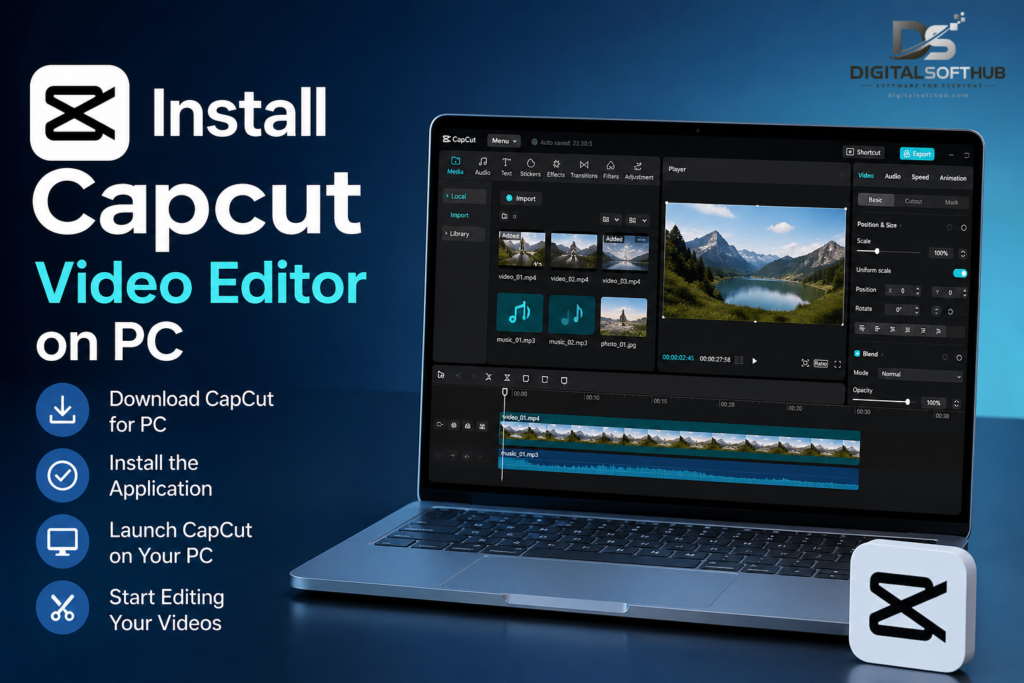
How to Install Capcut Video Editor on PC
After downloading, follow these steps to install Capcut Video Editor:
Step 1: Run Installer
Double-click the downloaded file to start the installation process.
Step 2: Accept Terms
Read and accept the terms and conditions to continue.
Step 3: Choose Installation Location
Select your preferred folder or use the default location.
Step 4: Complete Installation
Click install and wait for the process to finish. Once done, launch Capcut Video Editor from your desktop.
Safety Tips While Using Capcut Video Editor
Safety should be considered while using any type of software, particularly in video editing software. Following points can be considered in this regard:
Do not use any cracked or tampered version of software
Make sure that your anti-virus software is up-to-date
Do not install unknown plugins
Always keep Capcut Video Editor up-to-date
Why Capcut Video Editor is Popular Among Creators?
Why Is Capcut Video Editor So Popular? It has become extremely popular as it makes video editing simple for everyone. Here’s why many creators love using Capcut Video Editor:
It saves time during the editing process
It delivers high-quality results
It offers popular social media styles
It is free and user-friendly for beginners
Many YouTubers and TikTok users depend on Capcut Video Editor for creating viral videos.
Tips for Better Editing with CapCut Video Editor:
The best way to have success with editing is by applying these strategies:
Use effective transitions in order to prevent an overload on your video
Write clearly and legibly
Ensure that the music complements your video
Apply color corrections to your video
Do not apply too many effects on your video
Conclusion
The Capcut Video Editor app is among the best video editors currently available to users. The app offers a good blend of simple operations and high-end features, which makes it suitable for both novice editors and experienced ones. Thanks to its rich collection of effects, user-friendly design, and free availability, Capcut Video Editor has earned a reputable spot in the realm of video editing apps.
With proper download methods and knowledge of the capabilities of the app, you will be able to achieve great results.